Record a first lap
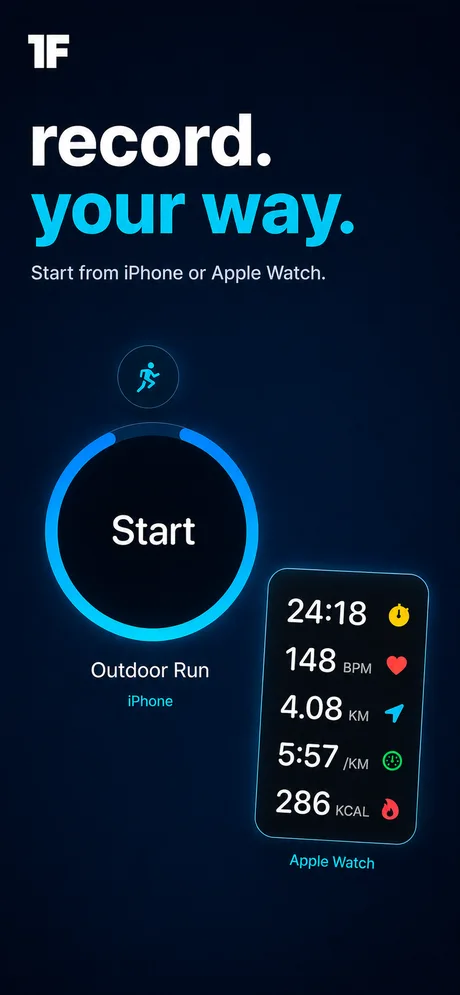
Start a run, walk, ride or hike on Apple Watch or an iPhone running iOS 26 or later. Pause at the lights, resume on the trail and finish to save the workout and route to Apple Health.
Make a Ghost of your favourite loop. Next time out, see whether you’re ahead of last week’s effort at the same bend in the trail. After the finish, replay both the route and the numbers behind it.
iPhone · Apple Watch · iPad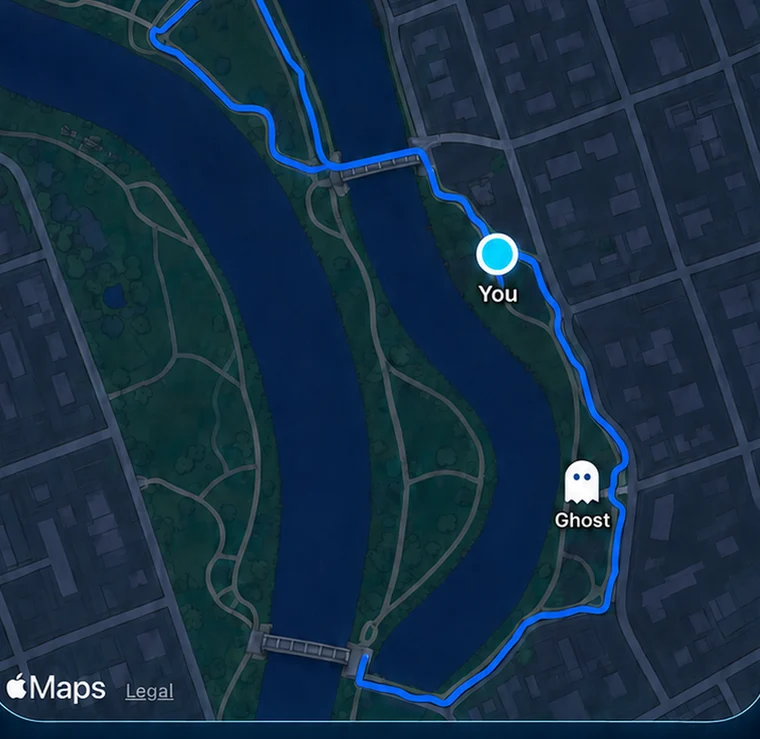
Start a run, walk, ride or hike on Apple Watch or an iPhone running iOS 26 or later. Pause at the lights, resume on the trail and finish to save the workout and route to Apple Health.
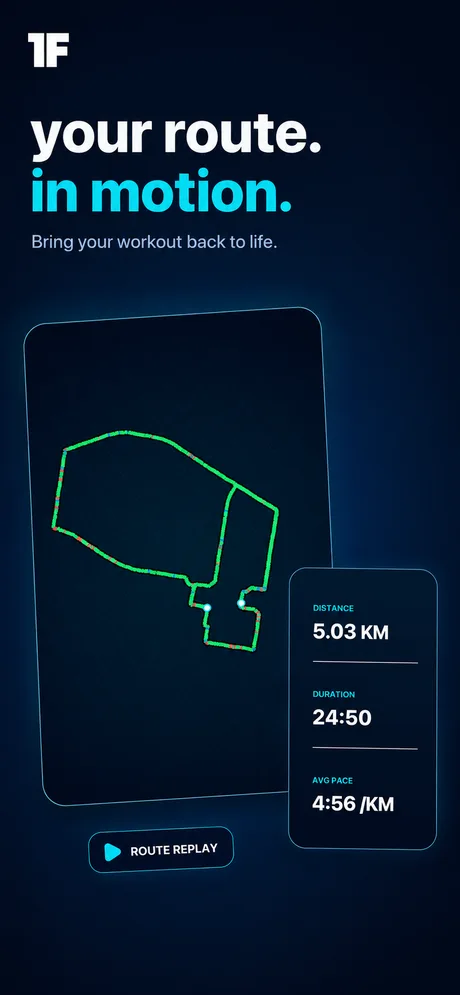
Render a GPS workout as a 3D Route Replay. Put splits along the route, choose the metrics that follow the moving marker, or make a still cover for your training log.
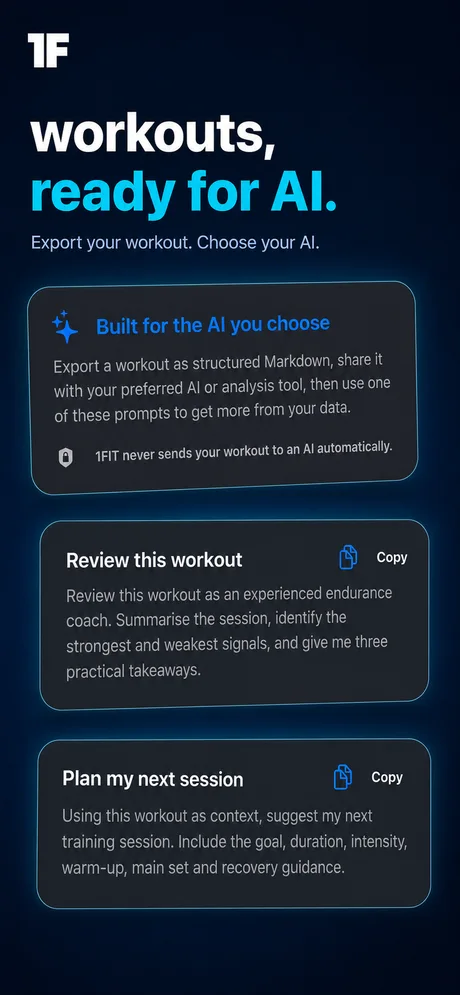
Take the workout home as readable Markdown. Paste it into a journal, send it to your coach or use it with an AI tool you choose. 1FIT doesn’t send it to one automatically.
Already have a route? Turn a supported outdoor workout from Apple Health into a Ghost, or import a shared Ghost file. Saved Ghosts transfer to your paired Apple Watch so you can race from your wrist.
Open the activity map and filter by sport and time period. See the roads you keep coming back to, how many workouts had GPS routes and the kilometres they covered. Open a workout for the splits, heart rate and sport-specific measurements your device recorded.
Import a Garmin FIT file on iPhone. 1FIT checks for likely copies before saving the activity, available sensor samples and route to Apple Health. Going the other way? Export a Strava-compatible TCX file for manual upload.
Choose a month and the Apple Health categories you want in your report. Put workouts and distance beside sleep duration, resting heart rate or walking mobility. Missing readings are marked as unavailable rather than counted as zero.
The report is built on your iPhone as Markdown: yours to read, keep or share. Prefer a bigger screen for workout review? Browse your workout history, Ghosts and replays on iPad.
Route Replay hides up to 300 metres at each end by default. The rest of a route can still reveal where you train, and a shared Ghost contains detailed coordinates and timing. Review it before sending.